Purpose
Setup for working with OpenGL.
Task 1: Tutorial
Follow the instructions of the OpenGL Tutorial website.
Tutorial 1
- Browse hints accumlated from previous years (see CMake)
- Install CMake.
- Install your preferred C++ integrated development environment (for example, Visual Studio).
- Download the code from the OpenGL Tutorial website.
-
Run CMake. Set the top field to TUT
and the second field from the top to TUT/build.
Windows example: C:\Users\jorg\Downloads\ogl-master\ogl-master/build
- Configure (ignore red errors).
- Configure again.
- Generate.
- Open the tutorial. For example, on Windows, find C:\Users\jorg\Downloads\ogl-master\ogl-master/build/...sln.
-
n is the position in the alphabet of the
first letter of your last name, starting from 0.
Run Tutorial mod(n, 10) + 4.
Example: Alice Peters should run Tutorial 9 [mod(15, 10) + 4 = 9].
Task 2: Project 1 setup
For OpenGL:
- Download the Project 1 code base (ZIP) .
- Run CMake (compile into build).
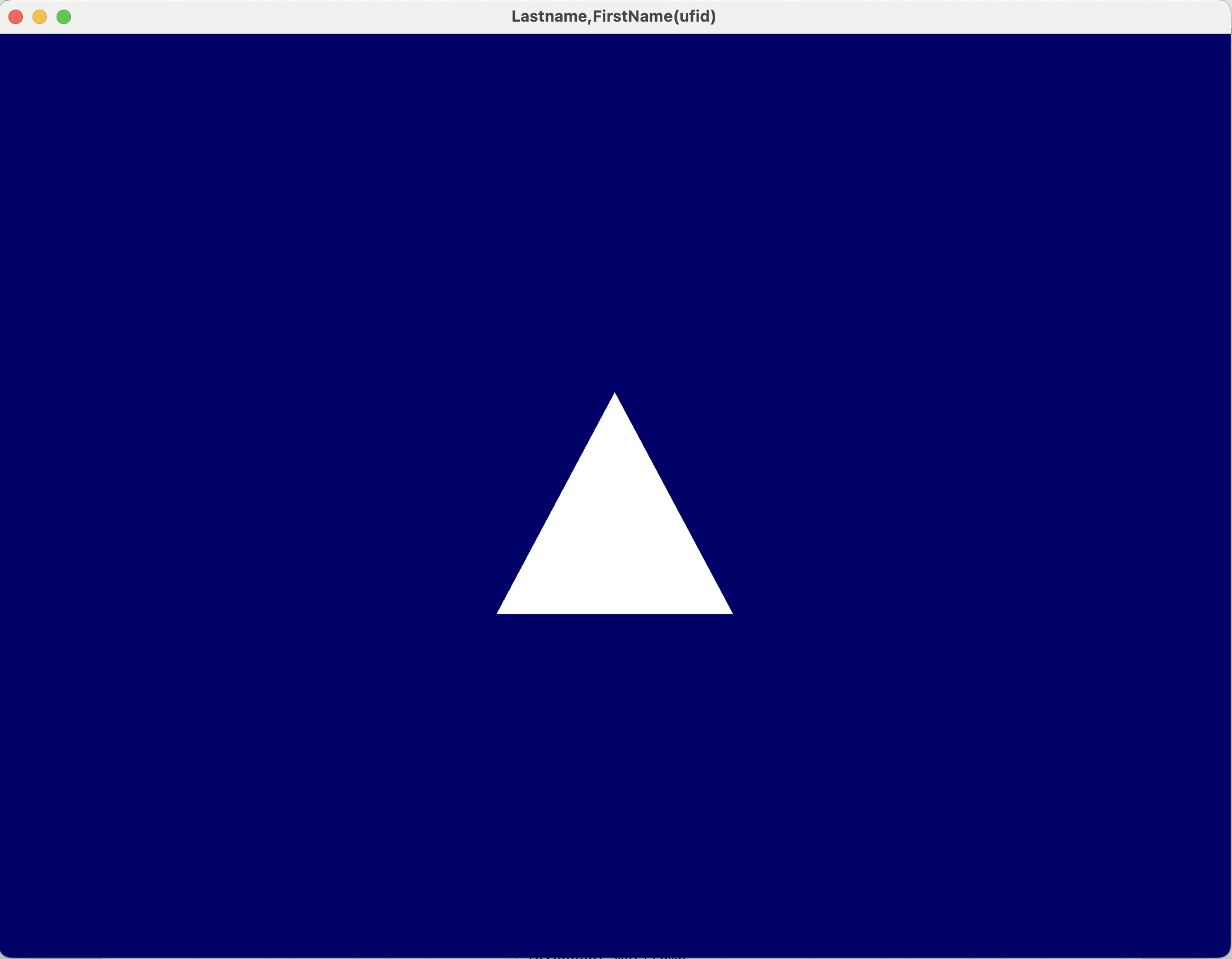
- [4 pts] Run the provided code to see the figure below. Your platform and compiler version may require minor adjustments.
- [2 pts] Change the title of the window to your name: "Lastname, Firstname".
What to submit
Practice submission — all the other submissions will look similar.
Identify any AI assist and state the prompt(s).
- A link to a screenshot or video showing both tasks.
- Example submission
Grading
- Late submission: −10% per day.