Project 3
©Jorg Peters
Surface + Texture
Points: 30 (+ 30 BONUS)
Resources
Set up
Points: 0
-
Use Perspective projection, set the
field of view angle to be 45 degree, near plane to be
0.1 and far plane to be 100.
-
Camera movements from Project 2:
Use
← and
→ keys move the camera along the
blue circle parallel to the equator.
↑ and
↓ keys
rotate the camera along the red circle orthogonal
to the equator.
Point the camera always to the origin.
Choose a good "up" direction.
-
The r key resets the program
to its startup state
(displays x-y plane, clear rotations, etc.).
Task 1: Display face net
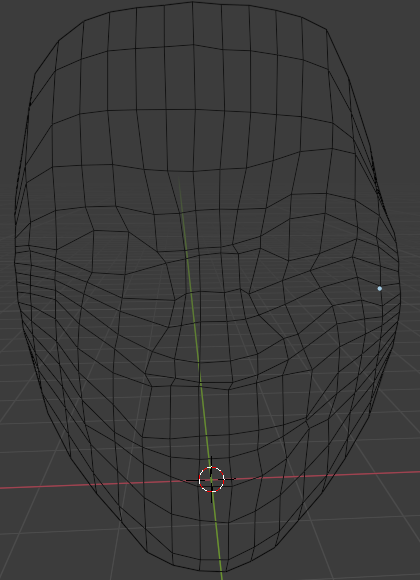
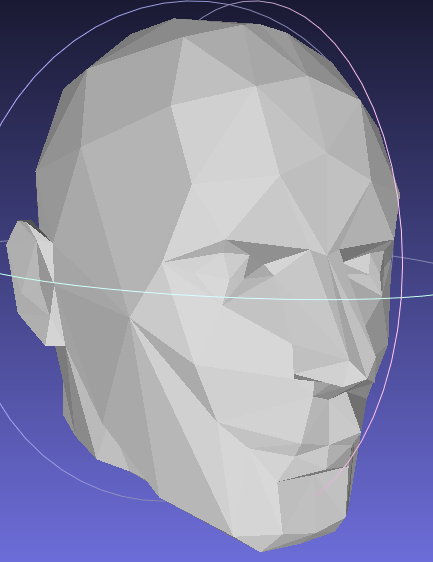
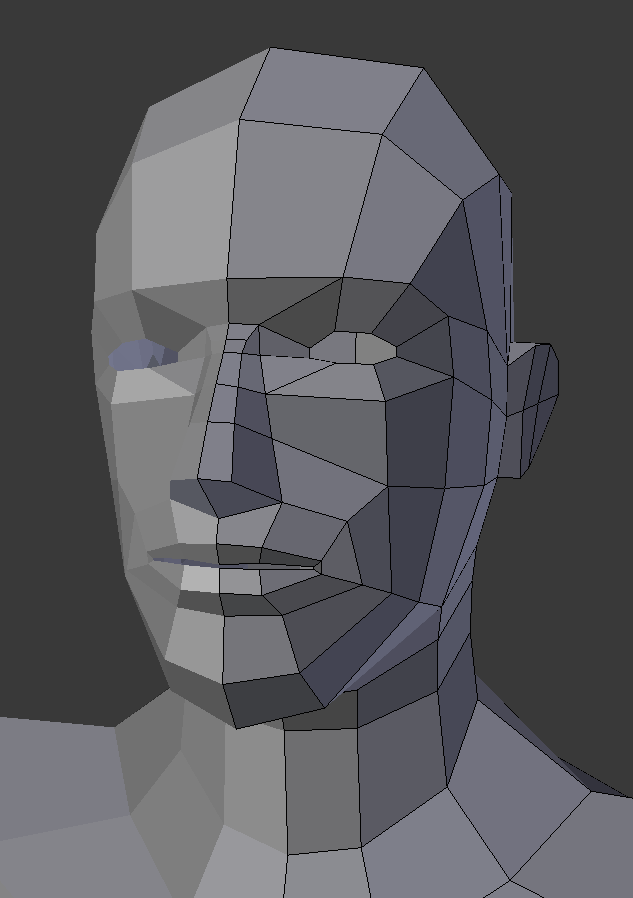
Points: 12+3
Choose a face geometry mesh, not too fine,
and place into the scene
The f key toggles
show/hide of the wireframe of the
model
Task 2: Add a texture
Points: 0+12+3
-
Take a photo of your face
-
Map the photo onto the mesh facets.
Flattening
may be useful.
-
The F key toggles
show/hide of the facetted (Frankenstein) head with texture
BONUS:
Points: 30
(Points: 15)
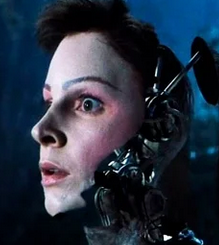
Render a smooth surface with the wireframe as control net.
 Choose one of:
Loop subdivision,
PN triangles,
,
polyhedral net splines
,
(Points: 15)
uv-map your face texture onto the curved surface.
Choose one of:
Loop subdivision,
PN triangles,
,
polyhedral net splines
,
(Points: 15)
uv-map your face texture onto the curved surface.
The P key toggles
show/hide of the smoothly rendered head
( = with subdivision level at least 2)
The u key toggles
show/hide of the texture.
WHAT TO SUBMIT
-
Readme.txt: explain each task implemented and not implemented
-
Zip of project folder
-
A link to a screen capture of your running program showcasing
the implementation of all of the tasks using
recordit (Mac, Win) or similar software.