Project 2a © Jorg Peters
Points: 5 + 5 + 5
Purpose
Learn to move objects via the mouse in OpenGL.
Set up
Use this new code base.
Declare any online code by stating the link in your code.
Task 1: Create Scene
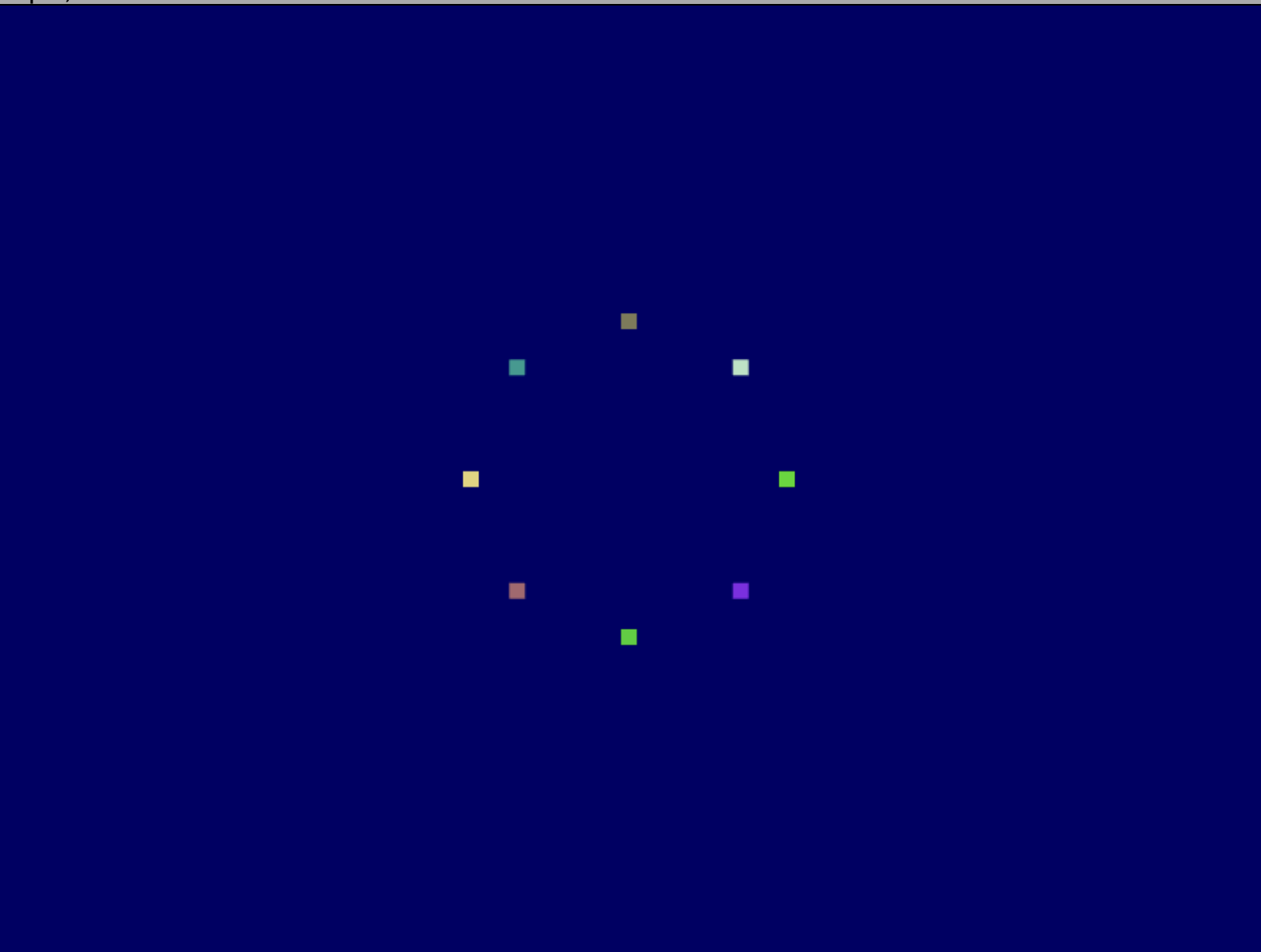
Display 8 points on the screen, each of a different color and arranged uniformly on a circle.
Task 2: Picking
Use orthogonal projection!
- While the mouse is held down, the color of the selected point becomes white to highlight it.
- Restore the original color upon release.
Task 3: Dragging
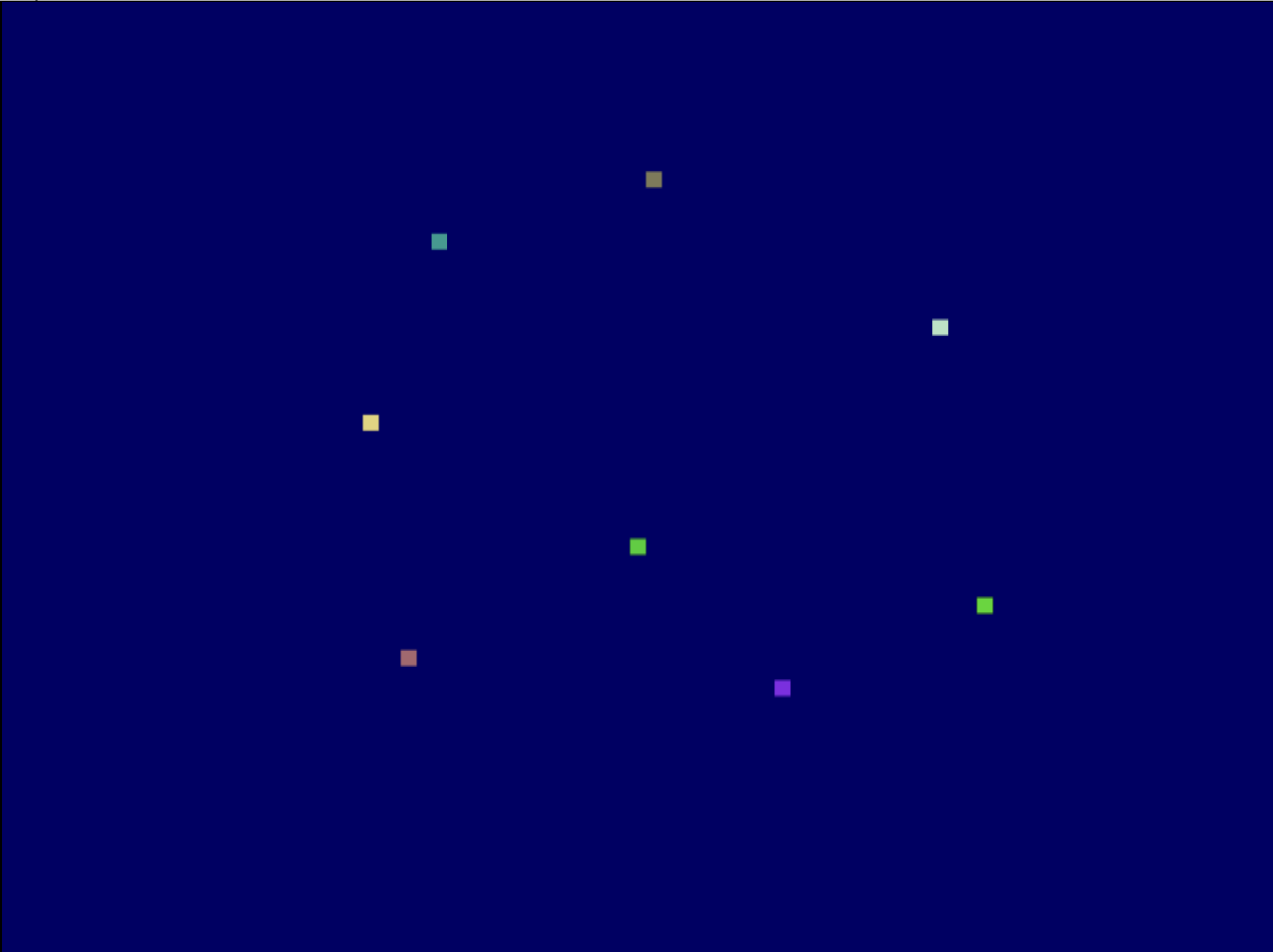
Implement the ability to move the points with the mouse.
Make all points suitably large.
Coordinate-system notes:
- The OpenGL window origin (0, 0) is bottom-left, whereas the mouse reports with (0, 0) on top-left.
-
In order to map mouse coordinates to world coordinates:
- Retrieve the cursor position using
glfwGetCursorPos. -
Obtain world coordinates using
glm::unProject(glm::vec3(---,---, 0.0), ModelMatrix, ProjectionMatrix, vp)where---is a placeholder for your code andvpis short for Viewport. - Consult web OpenGL documentation.
- Retrieve the cursor position using
Reference figures
What to Submit
- Your modified source files (.cpp files, shaders, etc.).
- A link to a screen capture of your running program showcasing the implementation of all of the tasks using Recordit (Mac, Windows) or similar software.